Documentation & FAQ
How to use PepAnalyzer and answers to common questions
Steps to Use PepAnalyzer
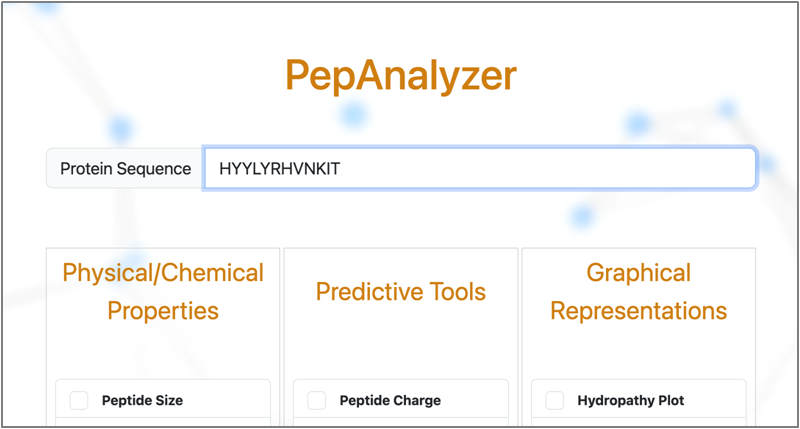
Type or paste your sequence in the input box
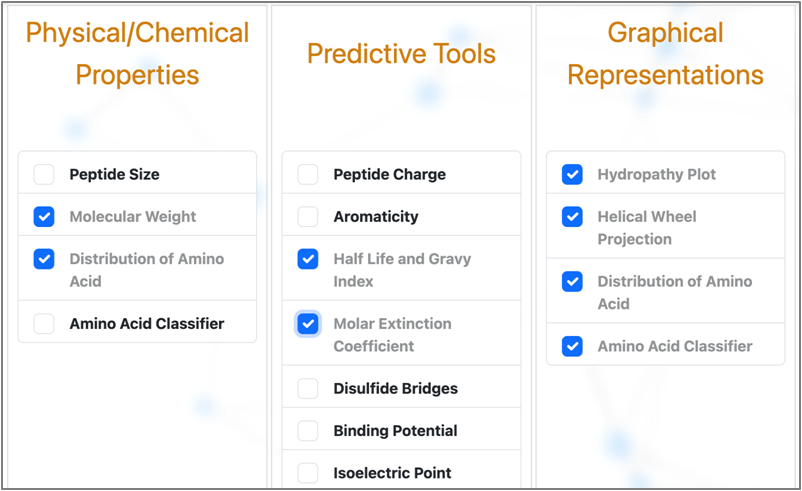
Select the properties from the list
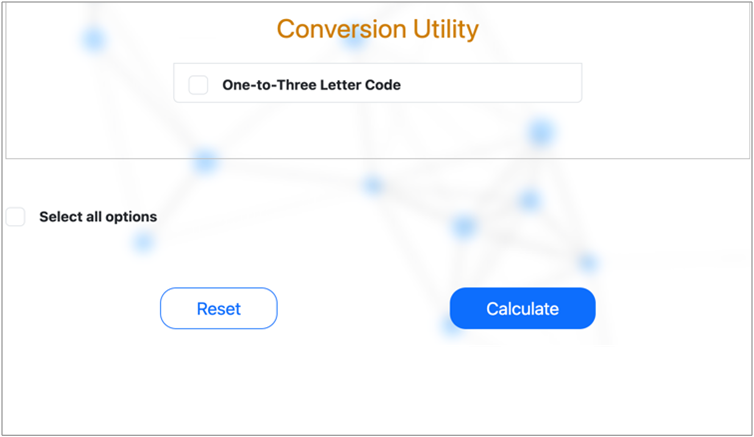
Click the Calculate button
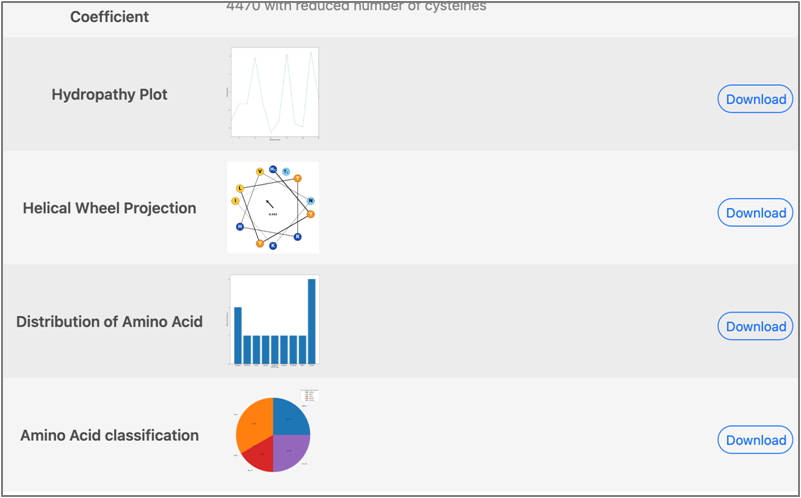
The output will appear on the next page
Sequence Input
Input a peptide sequence in either upper or lowercase letters. The tool automatically converts it to uppercase. An alert will appear if ambiguous or invalid characters are detected such as B J O U X Z.
Available Functions
Physical/Chemical Properties
- Peptide Size
- Molecular Weight
- Distribution of Amino Acid
- Amino Acid Classifier
Predictive Tools
- Peptide Charge Calculator
- Aromaticity Calculator
- Half Life Predictor
- Molar Extinction Coefficient
- Disulfide Bridges Calculation
- Binding Potential Calculator
- Isoelectric Point
Graphical Representations
- Hydropathy Plot
- Helical Wheel Projection
- Distribution of Amino Acid
- Amino Acid Classifier
Conversion Utility
- One-to-Three Letter Code
Submit
Clicking Calculate takes you to a new page showing all computed results. Graphical outputs can be downloaded as PNG files. If the BLAST tool was used, results are delivered via a browser notification when the search completes, and are available for 2 hours after completion.
Frequently Asked Questions
Contact
Mail your query to mrlabdbc@db.du.ac.in